Social Skill Games · Activity Guide
Conversation Spinner
Answering and asking conversation questions on topics children enjoy.
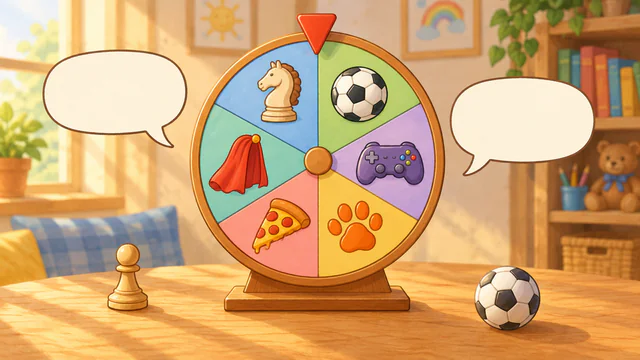
Controls and Setup
Choose a question level and topics, or select Create a Topic to write your own. Advanced Options set players, questions per round, Conversation Prompts, and automatic read-aloud. Select Spin or the wheel, then use Hear Question, New Question, and Continue.
Uses its own activity choices.
Play Conversation SpinnerAn Example Together
Choose Sports at Tell Me More. The wheel picks a question such as “What sport do you like to play?” The child answers, adds a detail, then asks the SLP a follow-up question.
Use on a Shared Screen
Open the game on your computer and share that window in your video-call service. The SLP operates the controls while the child responds aloud or uses another appropriate communication method. If using game audio, check your call’s audio-sharing settings first.
The public games can currently be opened without an account. A verified adult account is required to save favorites, organize game collections, and save cloud word sets. The session planner also requires a verified adult account.
Read the teletherapy setup guideRelated Activities
- Story Dice Roller. Building an oral story from four visual prompts.
- How Big is My Problem?. Discussing scenarios presented as small, medium, or big problems.