Online Games for SLP Teletherapy
Speech-language pathologists (SLPs) can use Konvoo games on a shared browser screen. Choose an activity, check its controls, and invite the child to respond aloud or use another appropriate communication method.
Set Up a Screen-Sharing Activity
- Open an activity guide and choose a game with the available words or controls you need.
- Open the game and prepare its choices before sharing the window in your video-call service.
- Check that the child can see the pictures and hear any audio you intend to use.
- Operate the controls yourself, allowing time for spoken responses and discussion.
Konvoo’s public games do not provide a built-in video call or a synchronized participant room. Remote-control availability depends on your video-call service.
Try a Session Format
- Target words: Matching offers a selected word list and picture pairs.
- Ordered directions: Potion Directions offers one to four steps.
- Picture questions: Picture Detective offers WHO, WHAT, WHERE, WHEN, WHY, and HOW.
- Open-ended requests: Make a House provides choices to describe and place.
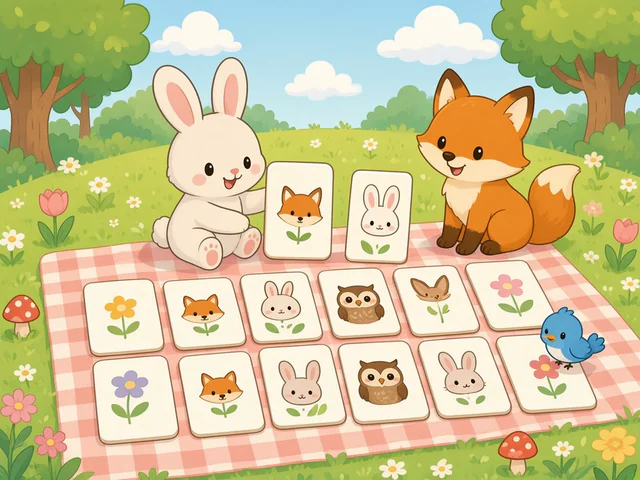
Matching
Select a sound, then match up to 10 target words
Play Count Unavailable
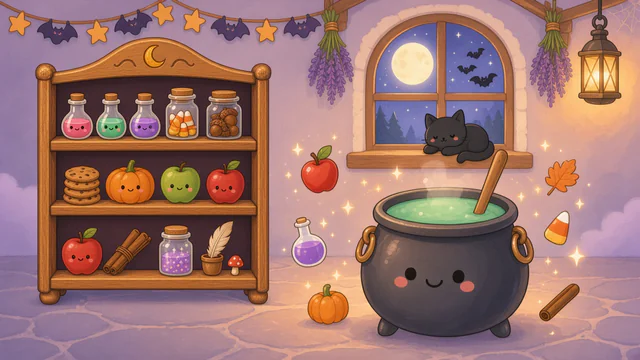
Potion Directions
Follow one- to four-step directions to brew potions
Play Count Unavailable

Picture Detective
Explore three busy cartoon scenes with open-ended questions
Play Count Unavailable
Access and Preparation
The public games can currently be opened without an account. A verified adult account is required to save favorites, organize game collections, and save cloud word sets. The session planner also requires a verified adult account.
Use the activity’s preview and controls to judge its fit for the individual session. You supply spoken cues and interpret responses; game completion is not a clinical assessment.