Language Games · Activity Guide
Potion Directions
Following one- to four-step directions to brew potions.
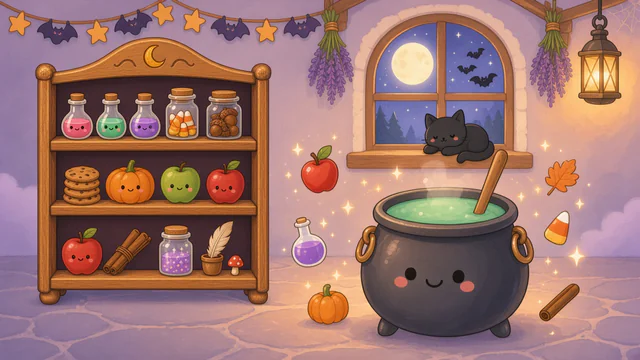
Controls and Setup
Select one to four steps; the initial selection is two. Choose Friendly Spooky Night, Wizard’s Star Tower, or Classic. In the room, Advanced Options set the direction words, step order, how directions are shown, automatic read-aloud, shelf size, and potions per round, and Hear Directions reads the directions with the device voice.
Uses its own activity choices.
Play Potion DirectionsAn Example Together
Keep two steps in Friendly Spooky Night. Read a direction such as “Drop in two acorns and add the small pumpkin,” ask the child which ingredient comes first, then carry out the steps on screen as the child directs.
Use on a Shared Screen
Open the game on your computer and share that window in your video-call service. The SLP operates the controls while the child responds aloud or uses another appropriate communication method. If using game audio, check your call’s audio-sharing settings first.
The public games can currently be opened without an account. A verified adult account is required to save favorites, organize game collections, and save cloud word sets. The session planner also requires a verified adult account.
Read the teletherapy setup guideRelated Activities
- Story Sequencer. Putting illustrated story events in order.
- Dress Up. Creating outfits by choosing clothes and shoes.