Speech Sound Games · Activity Guide
Rhyme Pond
Hearing and saying rhymes with picture names, in five activities.
Controls and Setup
Choose an activity, Starter Words or All Words, and how many questions, then select Start Game. Answer with Yes or No or by selecting a picture. Hear Again repeats the question, Show Hint takes away a picture that does not rhyme, and Show Answer marks the answer. Select the gear for Tricky Choices, Show Words, read-aloud timing, or two or three choices in Find the Rhyme.
Uses its own activity choices.
Play Rhyme PondAn Example Together
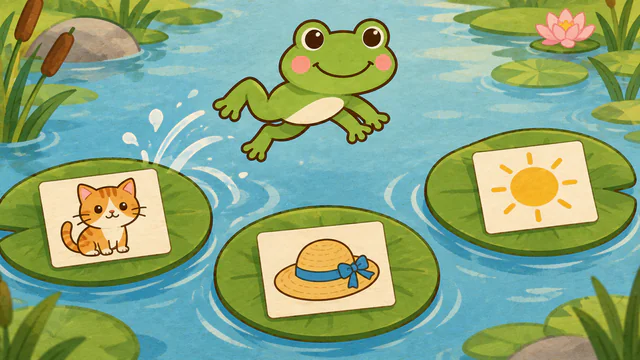
Choose Rhyme or Not? with Starter Words. The game shows cat and hat, and the child answers Yes, so the frog jumps. Say cat and hat together, then ask the child for another word that ends the same way, such as bat or a silly word like zat.
Use on a Shared Screen
Open the game on your computer and share that window in your video-call service. The SLP operates the controls while the child responds aloud or uses another appropriate communication method. If using game audio, check your call’s audio-sharing settings first.
The public games can currently be opened without an account. A verified adult account is required to save favorites, organize game collections, and save cloud word sets. The session planner also requires a verified adult account.
Read the teletherapy setup guideRelated Activities
- Listening Ears. Listening to contrasts between minimal-pair words.
- Vowel Snap. Naming pictures and identifying US English short-vowel sounds.