Speech Sound Games · Activity Guide
Word Jumper
Jumping over picture words and saying the word for any picture the jumper bumps.
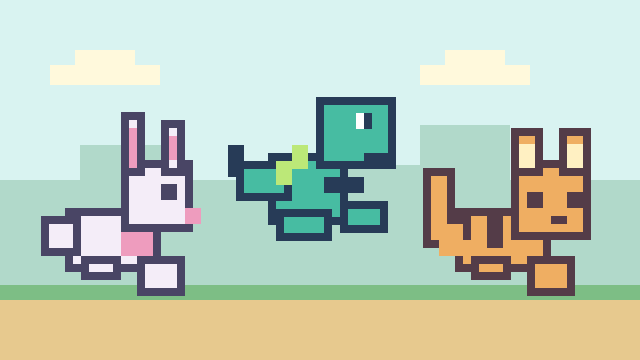
Controls and Setup
Choose a world, a jumper, and picture words. Advanced Options set 1, 3, 5, or unlimited hearts and Slow, Medium, or Fast speed. Press Jump, Space, or Arrow Up to jump, and select Continue after each say-the-word prompt.
Lets you choose the practice words in setup.
Play Word JumperAn Example Together
Choose a short picture-word list and Slow speed. When the jumper bumps a picture, give the child time to say the word, then select Continue. At the end, open each picture in the box and talk about it together.
Use on a Shared Screen
Open the game on your computer and share that window in your video-call service. The SLP operates the controls while the child responds aloud or uses another appropriate communication method. If using game audio, check your call’s audio-sharing settings first.
The public games can currently be opened without an account. A verified adult account is required to save favorites, organize game collections, and save cloud word sets. The session planner also requires a verified adult account.
Read the teletherapy setup guideRelated Activities
- Word Quest. Using nouns and verbs to help a cat overcome obstacles.
- Sound Spinner. A spinning wheel that selects target words.