Language Games · Activity Guide
Yes/No Questions
Answering yes or no questions about pictures, short stories, and likes, with picture buttons for children who use AAC.
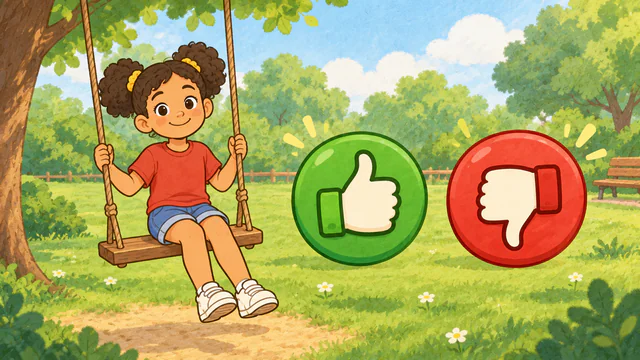
Controls and Setup
Choose an activity and a story, topics, or number of pictures, then select Start Game. Select Yes or No, or press Y or N. The play button by the question reads the question, and Show Answer shows the answer. Select the gear to change the Yes and No icons, button layout and colors, support level, I Don't Know, or read-aloud settings.
Uses its own activity choices.
Play Yes/No QuestionsAn Example Together
Choose Story Questions with Anna Goes to the Park. On the swing page, ask "Is Anna on the swing?", wait, then model Yes on the child's own device while the game shows the answer. Turn on Remember the Story to ask what Anna did after the last page.
Use on a Shared Screen
Open the game on your computer and share that window in your video-call service. The SLP operates the controls while the child responds aloud or uses another appropriate communication method. If using game audio, check your call’s audio-sharing settings first.
The public games can currently be opened without an account. A verified adult account is required to save favorites, organize game collections, and save cloud word sets. The session planner also requires a verified adult account.
Read the teletherapy setup guideRelated Activities
- Object Function Worksheets. Matching everyday objects with the actions they are used for, in six worksheet activities.
- Where Is It?. Identifying and using spatial concepts from realistic pictures.
- WH Flashcards. WH questions with multiple-choice answers.