Activity Guides
Browse how-to-play guides for all 42 Konvoo games, with controls, setup, and a session example for each activity.
Showing guides tagged
No activity guides match these filters. Try another search or clear the filters.
-
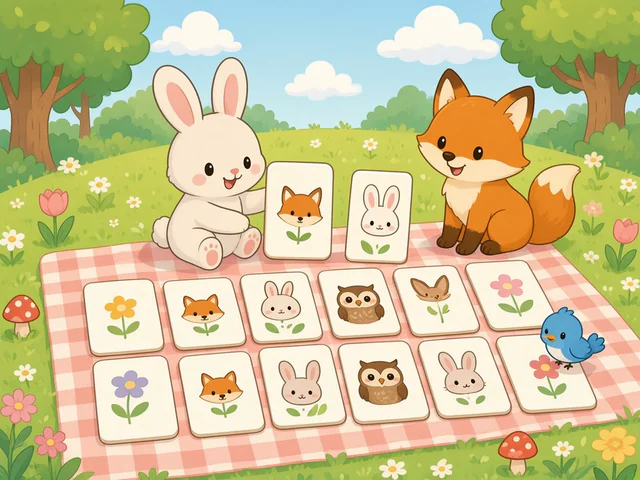
Matching
Face-down picture cards hide pairs of words from a speech-sound list. Choose 2 to 10 words, turn over two cards at a time, and keep going until every pair is found. Ask the child to say each word when a pair matches. Play Again shuffles the same words for more practice.
-
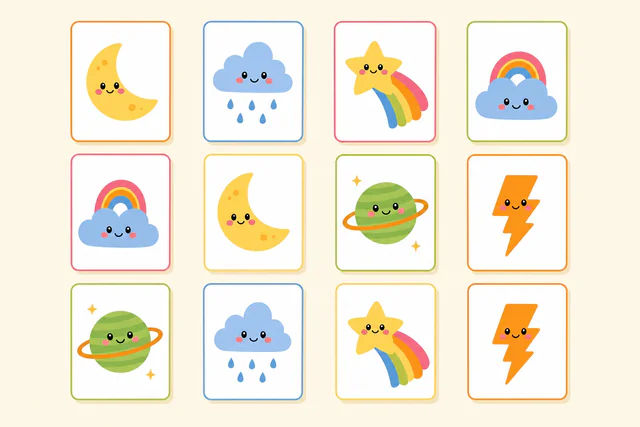
Matching: CV, VC, CVC
This matching board uses words built from CV, VC, or CVC shapes. Choose 2 to 8 words, turn over two cards at a time, and find every pair. The child can name each picture as it turns over and say the word again when a match is made, which suits early word-shape practice.
-

Sound Spinner
A wheel shows the 2 to 8 words you choose. Select Spin, and when the wheel stops the child says the word it landed on, then you select Continue. Each word comes up once per round. Use it for one clear target at a time, and ask for the word in a phrase or sentence before the next spin.
-

Speech Sound Board Game
One to three players pick animal pawns and travel a train or space board, using a shared list of 2 to 10 practice words. On each turn a player selects Roll, moves forward, and says the word on the landing space. Silly mode adds challenge spaces that ask for an action. Every player finishes the journey, so it works for small groups or one child taking turns with the SLP.
-
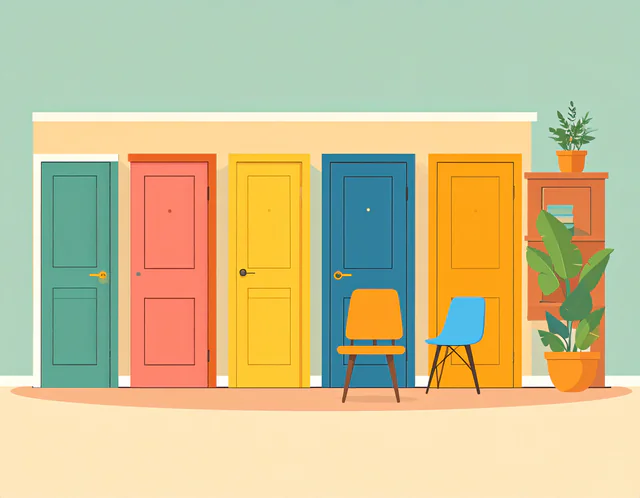
Knock Knock
One door appears for each word you choose (1 to 8). The child knocks on a door, it opens to a picture, and the child says the word. The round ends when every door is open. Let the child choose which door to open next, and ask for the word in a phrase before opening another.
-
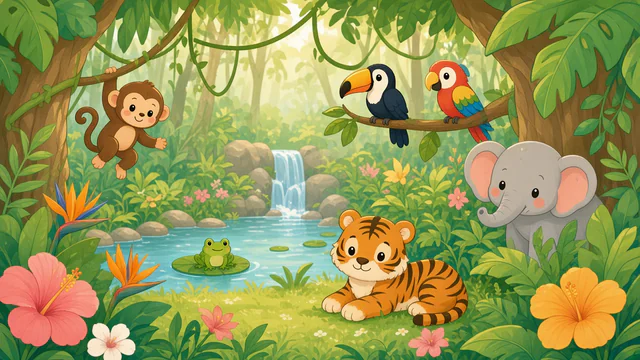
Scavenger Hunt
Choose a scene, then a word list and up to 8 words. The pictures are hidden in the scene. Select a spot to peek under it, then select a hidden picture again to collect it, and the child says the word. Found words are checked off the list. The child can describe where to look while you operate the controls.
-
Scattergories
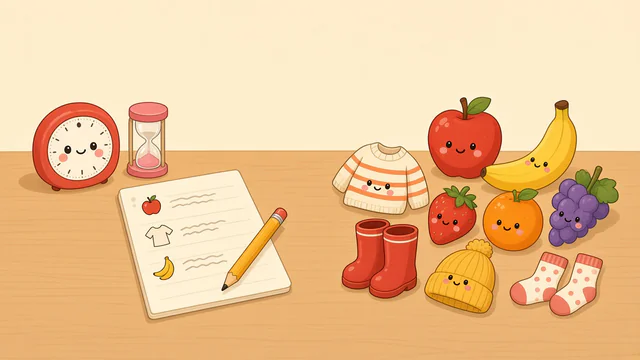
Start with six familiar categories, a random letter, and a two-minute timer. Say answers aloud or write them outside Konvoo. Pause or extend the timer, change the category count, or swap topics. Advanced Options includes sound mode, Challenge topics, custom categories, and optional scoring for two to six players. The therapist judges answers; Konvoo does not record or assess speech.
-

Listening Ears
Choose a sound contrast, then listen to a complete sentence with a missing word. The child picks the word that fits from the choices, and a wrong answer turns red so they can try again. Use it to talk about how changing one sound changes a word’s meaning. Check that the shared screen audio is audible before you start.
-
Vowel Snap
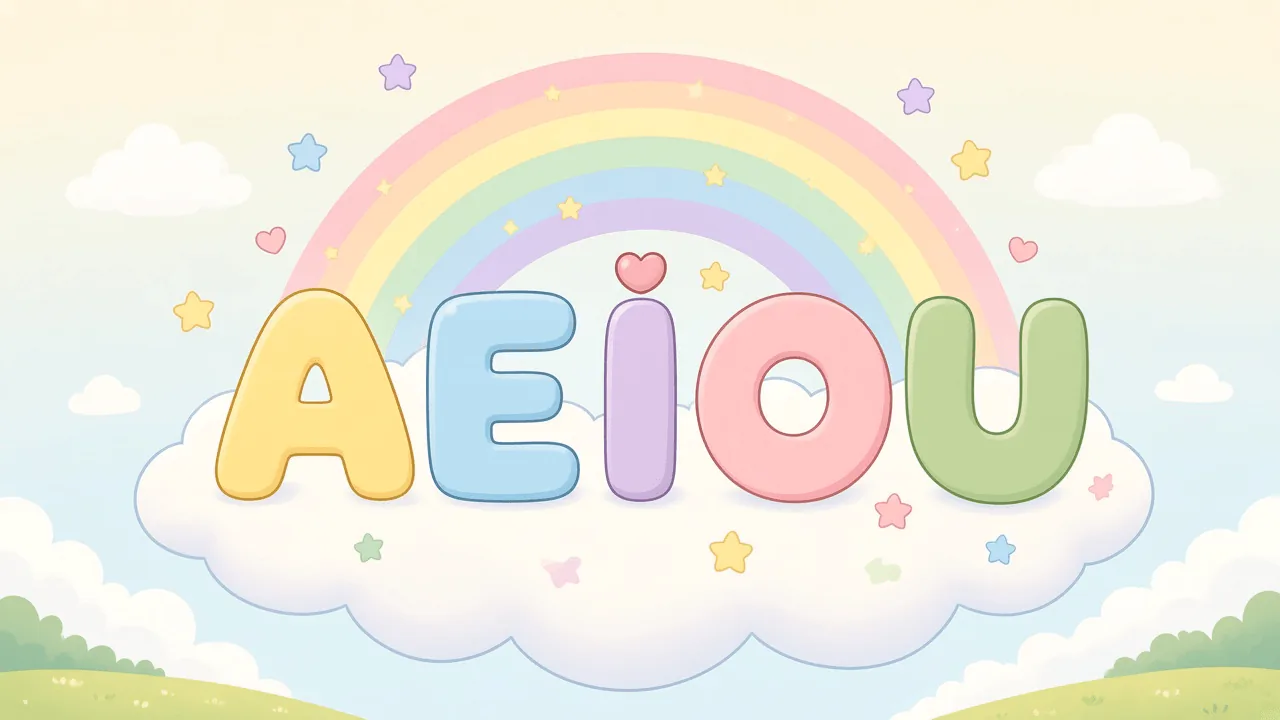
A realistic picture appears and the child names it aloud. They then choose the short vowel they hear from the vowels you selected (at least two). Hear Word and Reveal Word give the intended picture name, and Show Answer models the vowel. The game does not listen to or score speech, so the SLP judges the response and can model the word in the child’s accent.
-
Candy Match
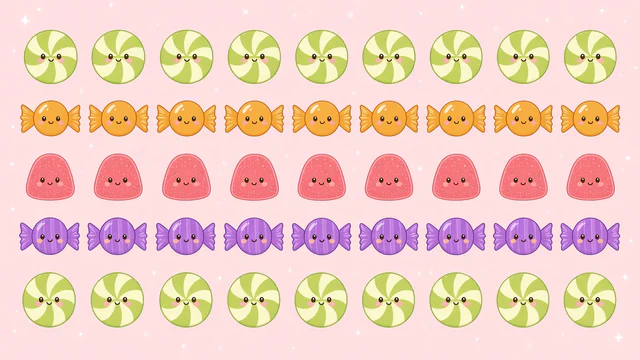
A match-three puzzle. Tap a candy, then tap a neighbor to swap them, and line up three or more of the same candy to clear them. Use it as a reward or a relaxed break between speech tasks, or ask the child to describe which candies to swap. Points measure puzzle play only, and the SLP supplies any speech targets.
-
Bubble Shooter
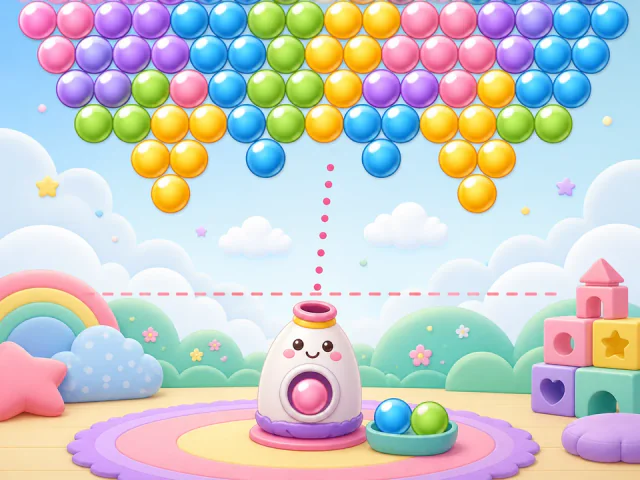
Aim the launcher with the pointer or arrow keys, fire, and match three or more bubbles of the same color across five stages. Clear the board before bubbles reach the dashed line. The game has motor and timing demands, so it fits best as a reward or turn-taking break, with the child describing colors and where to aim. Select Pause at any time.
-
How Big is My Problem?
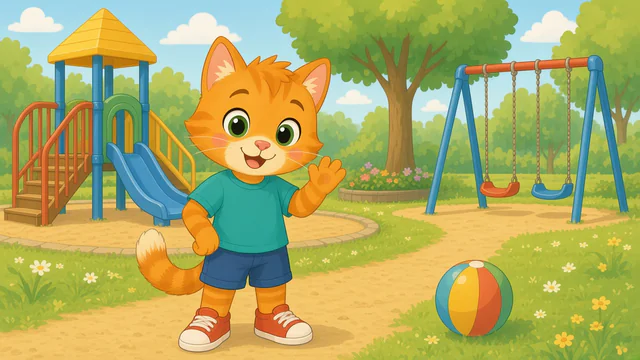
Choose a deck of everyday situations. Read or listen to each one, then choose whether it is a small, medium, or big problem. The Problem Size Guide describes each size. Ask the child why they picked that size and what could help. Different people can react differently to the same event, so use each answer to start a conversation.
-
Identify Emotions
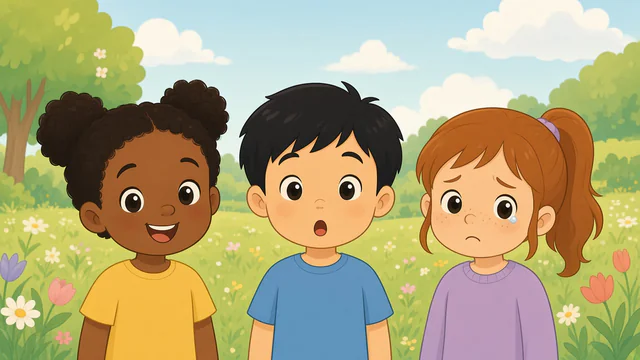
A picture of a face appears with a short story that can be read aloud. The child chooses the emotion that matches, and the next picture follows each answer. Talk about which clues in the face and the story point to that feeling. A face alone gives limited information about how a real person feels, so use it as a conversation starter.
-
Conversation Spinner
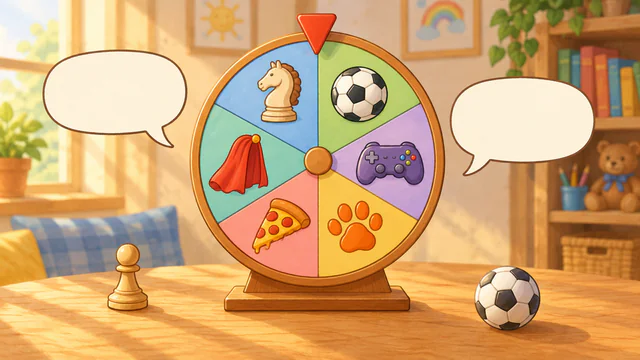
Choose a question level and up to 12 topics, such as Games, Sports, and Animals & Pets. Spin the wheel to land on a topic and read its question. This or That questions offer two answers, Tell Me More questions ask about favorites and experiences, and Big Questions ask for opinions and what-ifs. Conversation Prompts help the child add a detail, ask a follow-up question, or make a comment, and up to four players can take turns. With a free account, save topics with your own questions, such as Chess, and spin them alone or with the built-in topics.
-
Tetris
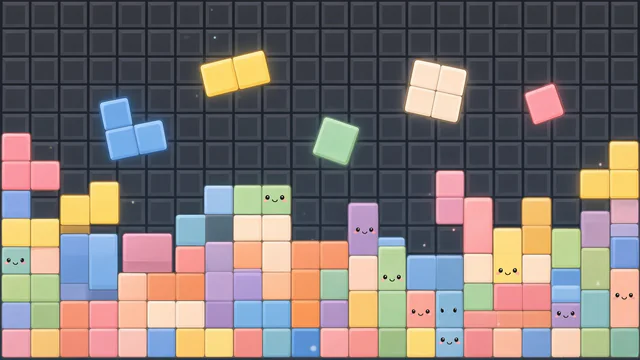
The classic falling-block puzzle. Move and rotate each block, drop it into place, and fill whole rows to clear them. Speed and score measure puzzle play only. Use it as a reward or break, and ask the child to describe shapes and positions such as left, right, and on top. Select Pause at any time.
-
Potion Directions
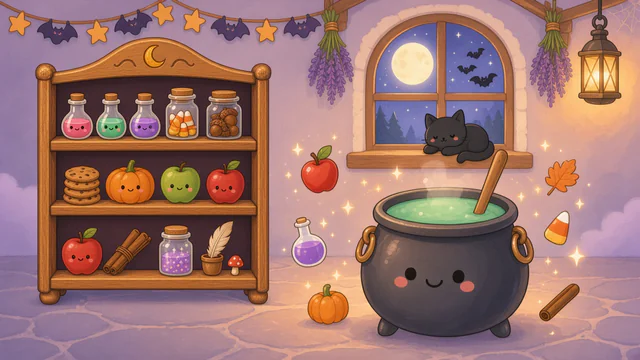
Choose Friendly Spooky Night, Wizard’s Star Tower (with a free account), or Classic, and one to four steps per potion. The child adds each named ingredient to the cauldron and stirs when the directions say to. A wrong pick does not count, so the child checks the directions and tries again. Room directions can include numbers, describing words, sequence words, and, in Advanced Options, location and condition words; each finished potion is bottled and retold with picture cards. Start with two steps and add more as following multi-step directions gets easier.
-
Dress Up
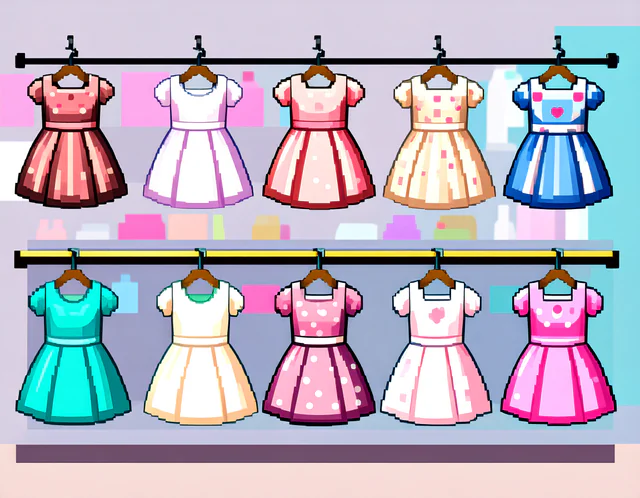
Choose a character, pick a wardrobe category, and tap clothes and shoes to dress them. Tap a piece again to take it off, or select Start Over. Ask the child to request each item and describe its color or where it goes while the SLP taps, which creates natural chances for requesting and describing.
-

Category Scavenger Hunt
Choose a scene and a mode: Find Category Items or Odd One Out. Then choose a category and the items to hide. Peek under pictures in the scene and select a hidden item again to collect it. In Odd One Out, one extra item does not belong to the category and the child finds it too. Ask how each found item fits the group.
-
Category Master
Choose how many levels to play and a category, or Random. Select every picture that belongs to the category before the timer runs out. Correct picks add 10 points, wrong picks take away 5, and each level gives a little less time. Talk about the category first. For a session without a timer, use Category Scavenger Hunt.
-

Story Sequencer
Choose 3, 4, or 5 pictures, then choose a story. Read or listen to it, drag the pictures into order, and select Check My Answer. Show Text and Hide Text control the written story. Afterward, ask the child to retell the story using first, next, and last.
-
Story Dice Roller
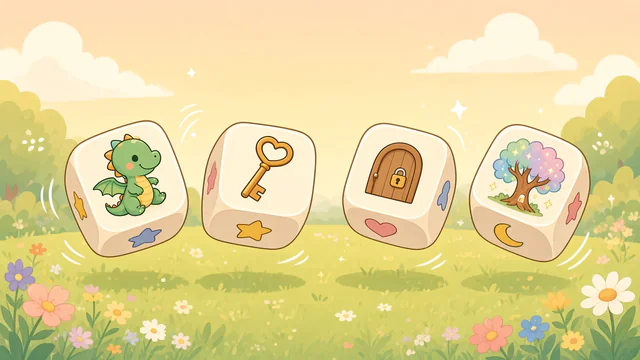
Roll four dice to get a character, a setting, a problem, and a surprise. You have 10 rolls, and you can lock any prompt to keep it while you reroll the others. Choose shared play or Take Turns, where the child and clinician alternate sentences. Then tell the story together, with the SLP modeling a sentence or asking follow-up questions.
-
Idiom Illustrator
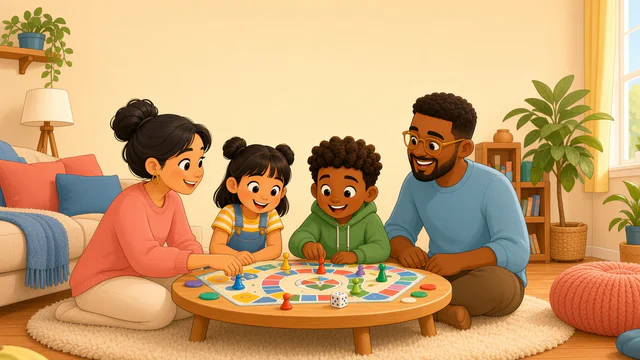
Choose a deck and a level. Each round has six idioms. The child looks at the literal picture, talks about what the words seem to say, then chooses the meaning that fits. Show Hint and Show Explanation are available when needed. Ask the child when someone might say the expression, and model an example sentence if it helps.
-
Picture Detective
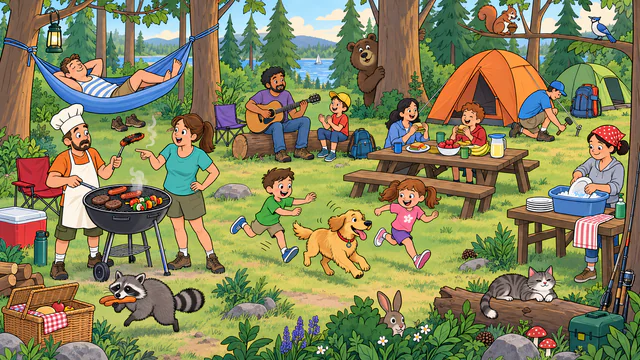
Choose one of three busy cartoon scenes: Camping, London, or Castle. Zoom, pan, or use the magnifier to look closely, and browse question cards filtered by WH question. The questions are open-ended with no answer keys or scores, so the child describes what they notice and the SLP follows the conversation.
-

Where Is It?
Choose at least two position words. The child looks at a picture, picks the word that tells where the subject is, and says the whole sentence aloud with the SLP. Play buttons read a prompt or answer, and Show Answer models the sentence. Advanced options set the number of answer choices and pictures per round.
-
WH Flashcards
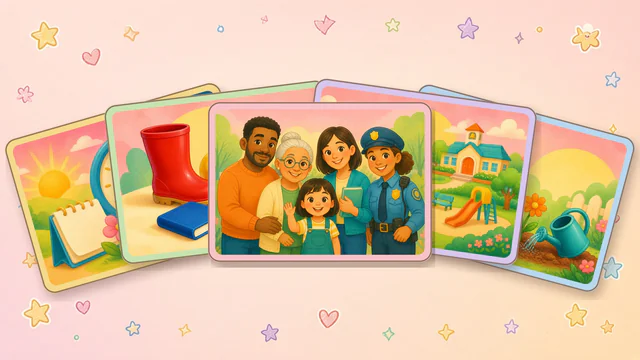
Choose a question type, then a deck. Each card asks a WH question that can be read aloud, and the child chooses the picture that answers it. The card flips when the answer is correct. Ask the child to explain the answer in a sentence before or after choosing.
-
Semantic Web Weaver
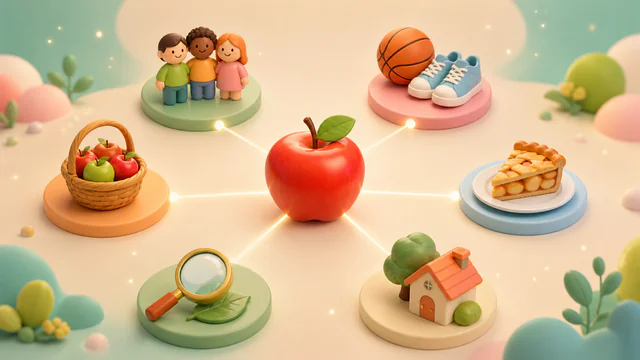
Roll a noun, then explore six connections around its web: group, action, use, location, properties, and association. The child talks about each connection while the SLP marks it complete. Optional short notes stay in the current session, and another noun can be rolled when ready. There is no answer key or speech score; the activity supports open discussion of word meaning.
-
Object Function Match
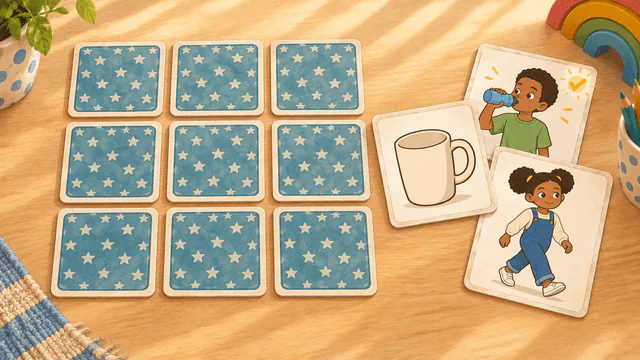
Choose a deck such as Body Parts, Kitchen, or School, then turn over one of nine face-down object cards. The prompt asks what is associated with the object, and the child chooses from nine function pictures, such as walk for feet or cut for scissors. A choice that does not fit is marked with an X, and Show Answer highlights the match. Speaker buttons read the question and each word aloud when selected. The SLP can ask for a short sentence after each match. Nothing is scored or recorded.
-
Object Function Worksheets
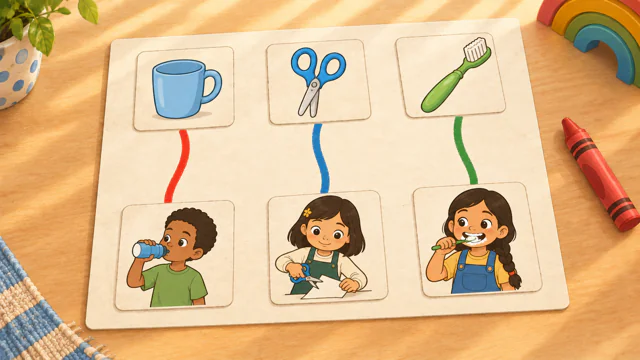
Choose one of six worksheet activities and a topic such as Kitchen, Bathroom, or Play and Outside. Draw Lines connects each object to what you do with it, and Word Bank places action words under objects. Circle It and What Do I Need? ask which object does a job or solves a problem, Memory Match pairs objects with actions, and Silly or Not? asks yes or no questions about whether an action makes sense. Speaker buttons read words and questions aloud when selected, and a sentence strip shows a sentence to say together. The SLP can ask the child to say it aloud. Nothing is scored or recorded.
-

Plurals
Each card shows a photo of one item and a photo of two, such as one goose and two geese. Sort It asks whether the plural is regular or irregular, Pick the Plural offers the real plural beside a wrong form such as gooses, Say the Plural hides the plural until Show Answer, and Plural Memory matches the card for one with the card for two. After an answer, the letters that change are highlighted and the rule is shown, and Plural Rules explains every pattern with examples. Speaker buttons read words aloud when selected. Nothing is scored or recorded.
-
Rhyme Pond
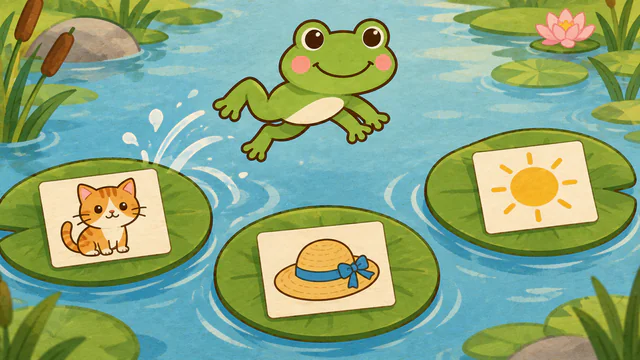
Choose one of five rhyming activities and Starter Words or All Words. Rhyme or Not? asks whether two picture names rhyme, Odd One Out finds the picture that does not rhyme, and Find the Rhyme asks which picture rhymes with a target. Rhyme Match pairs rhyming pictures on face-down cards, and Say a Rhyme asks the child to say a rhyming word. Picture names are read aloud. In the first four activities, each answer shows whether the words rhyme. The SLP listens to spoken answers; nothing is scored or recorded.
-

Yes/No Questions
Choose one of three activities: Story Questions, Picture Questions, or Do You Like? Story Questions follows a child through six pages of a day, such as a trip to the park, and asks what the child sees, wants, and feels; Remember the Story asks about the story afterward. Picture Questions asks about one picture at a time, such as "Is this a dog?", and Do You Like? asks what the child likes, sorting each picture into a Yes tray or a No tray, where every answer is right. Large Yes and No buttons show a word and a picture and say their word when selected, and the child can also answer on their own device while the SLP selects the matching button. The end of a round shows how many answers were right on the first try; nothing is recorded or saved.
-

Word Quest
Choose a practice word list, then guide a cat along a trail with the arrow keys or W A S D. At an obstacle, choose an object and an action that will help, then select Try It. The child says the practice words while building each idea. The game does not assess speech accuracy.
-
Make a Cake
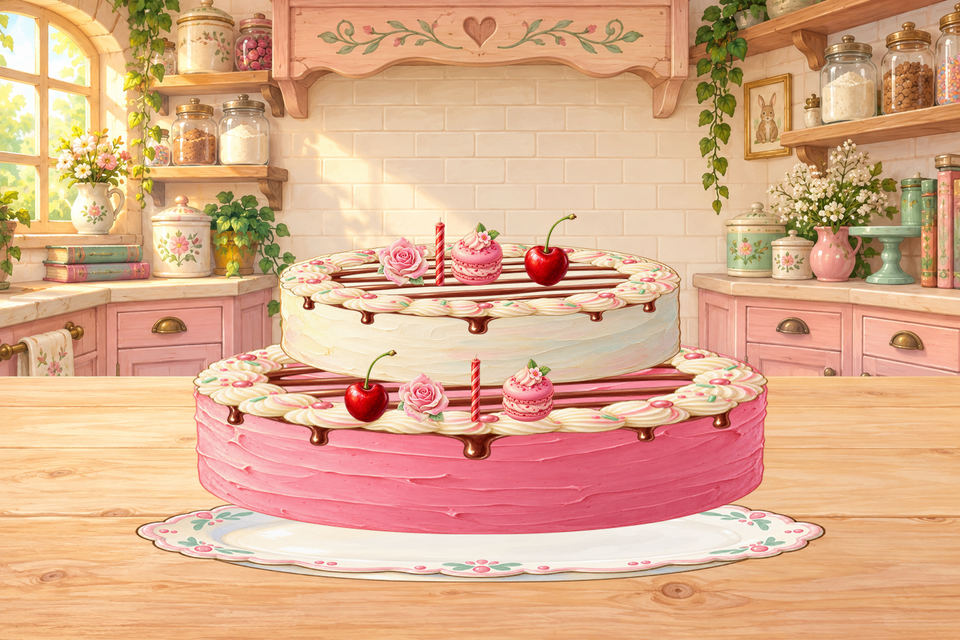
Choose a cake shape, the number of tiers, and a flavor, then measure, mix, pour, and bake. Decorate by tapping decorations and dragging them into the bakery scene, and select Finish when the cake is ready. Ask the child to say which ingredient or decoration comes next and where it goes, then retell the steps in order.
-
Make a House
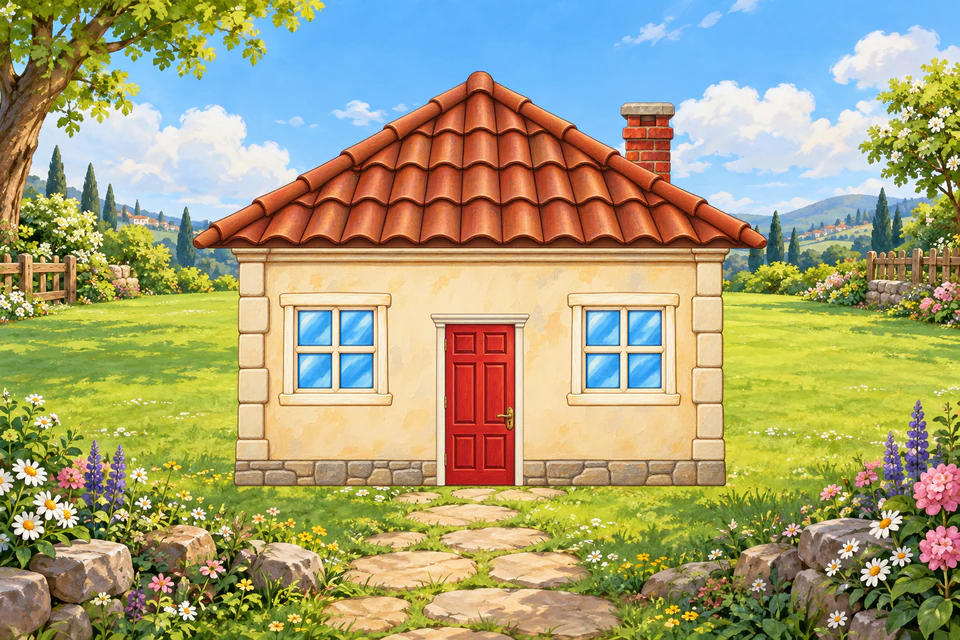
Build a storybook home by choosing a room, a category, and a picture. Walls and other fixed parts replace the current choice, and furniture and garden pictures become pieces you can drag, move, and resize. Undo reverses changes. Ask the child to tell the SLP what to add and where it goes, then describe each finished room.
-

Make a Dragon
Design a pixel-art dragon one part at a time: choose a body style and color, then horns, wings, eyes, and a pattern, and select Finish to hatch it. Surprise Me picks every part at random. Have the child request each feature and describe its color, shape, or pattern, then describe the finished dragon in a sentence.
-

Make a Pizza
Choose a crust, paint on sauce, and place up to 100 toppings, moving and resizing them as needed. Then bake the pizza, serve it, and take bites. Have the child request ingredients and say where each one goes, then retell the recipe in order and describe the finished pizza.
-
Build a Monster
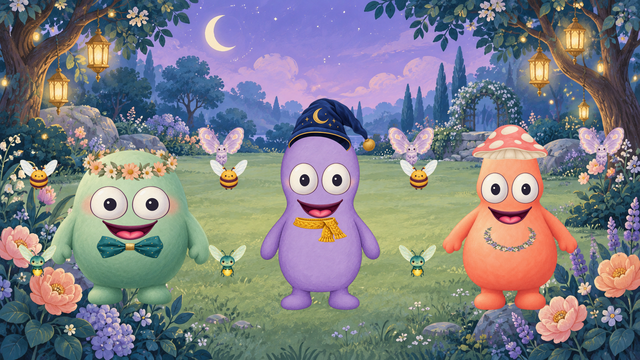
Choose a starting monster and the WH question types. Select an item, answer the picture-based WH question together, and choose the matching picture to add the item to the monster. Undo and remove are available. The child can answer aloud or with another way of communicating, then describe how the monster changed.
-
Treehouse Builder
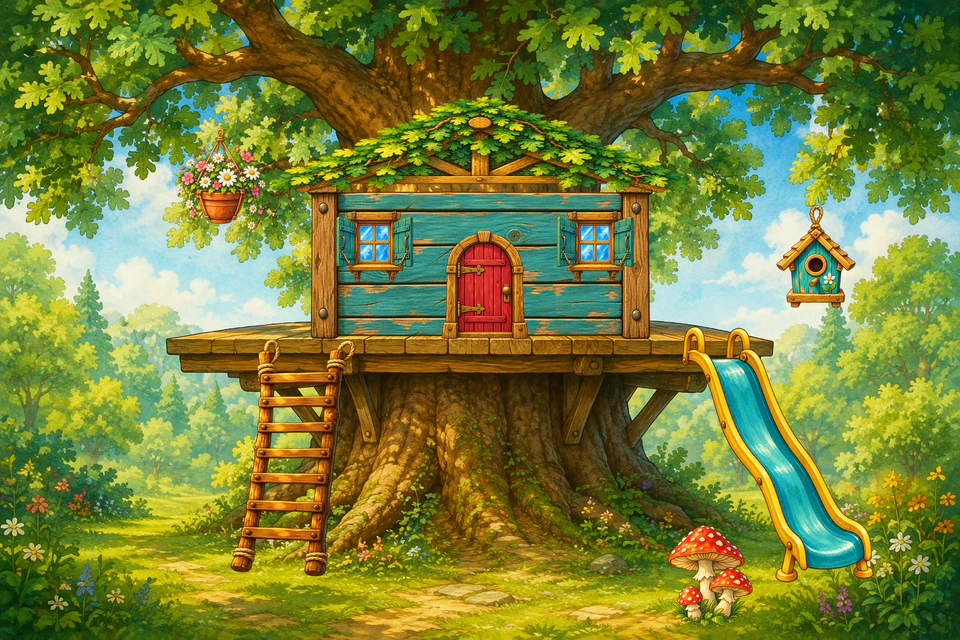
Build a treehouse outside, then go inside and furnish it. Choose a category, tap pictures to add them, and drag, resize, or delete pieces. Select Next to move through the categories and Finish to celebrate. Surprise Me builds a random design, and Undo is available. Ask the child to request each piece and say where it goes.
-
Tic-Tac-Toe
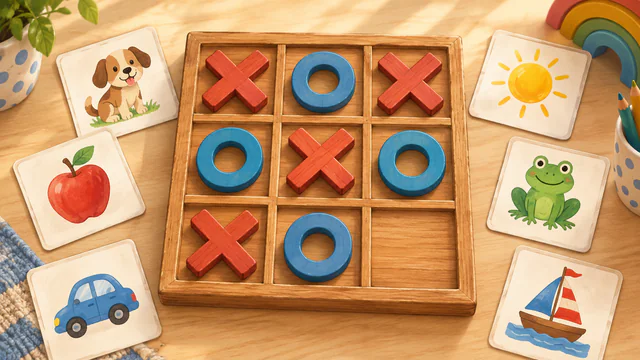
Build a 3×3, 4×4, or 5×5 board from speech-sound words, picture-based WH questions, or your own short prompts. On each turn, choose a square and practice its content before the SLP places X or O. You can review and edit the board, undo a move, and replay with the same content. Saved board templates require a verified adult account; local play does not.
-
Connect Four
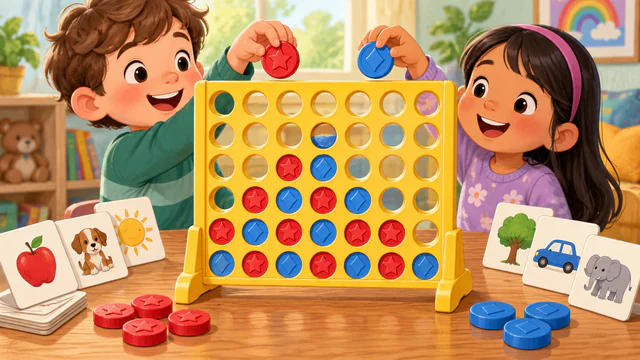
Choose a speech-sound list or picture-based WH questions, then take turns dropping red and blue coins into a seven-column board. A target appears above each available column. In word mode the SLP confirms practice before the coin drops; in WH mode the child chooses the matching picture. Connect four coins across, down, or diagonally. Undo restores the previous coin and column target.
-

Zoo Night Rescue
Explore a dark woodland with a movable flashlight and find 13 roaming animals. Point or use keyboard controls to move the light, then collect an animal when it is visible. Animals return if missed, and temporary light upgrades help reveal more of the scene. The SLP can invite descriptions of an animal or its location, or use the search as a play break. Rescues do not measure speech ability.
-
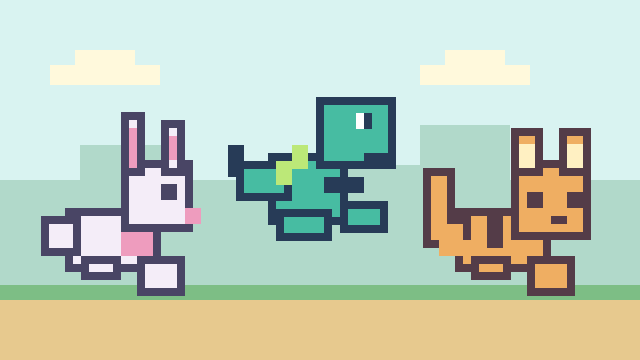
Word Jumper
Choose a world, a jumper, and picture words, then run an endless side-scrolling course where every obstacle is one of the pictures. Jumping over a picture puts it in the box while the run continues. Bumping into one stops the run with an untimed prompt to say its word, and the SLP selects Continue before the run starts again with that picture first. Coins and hearts appear on the ground and in the air. At the end, the child can open each collected picture to talk about it. Hearts, coins, and speed describe game play only, and speech is not recorded or scored.